The judges' table, every week of the season. Score rehearsals and auditions from video. Let the whole class judge.
A Review is a performance scored from video, on everyone's own time. Upload a run, your students watch it, move the slider as it plays, and talk through what they hear. You see every line on one graph with the video, each person's commentary in step, and an AI summary of what the room agreed on. Festival-day feedback, available every week.
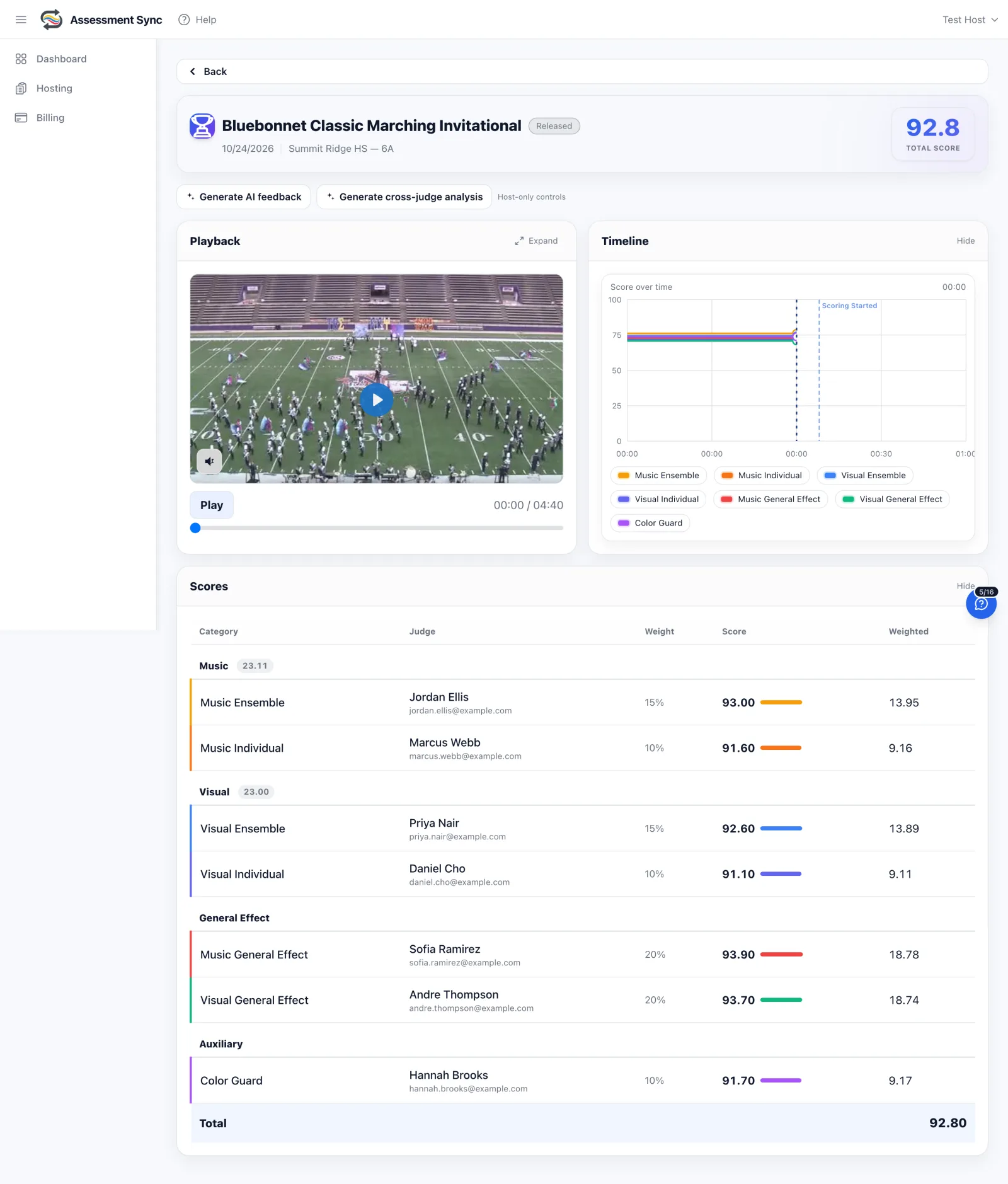
Score from video, not just on festival day
Upload a recording or paste a link, split it into movements if you like, and open it. Each person gets an email, watches it on a laptop or a phone, and scores it the way a judge does: a slider that moves as the performance changes.
- Upload a file or paste a public Drive or Dropbox link
- Split one recording into parts, each scored on its own
- A due date closes it; a late score can still be let in
- The host sees who has finished, live, and can send a reminder
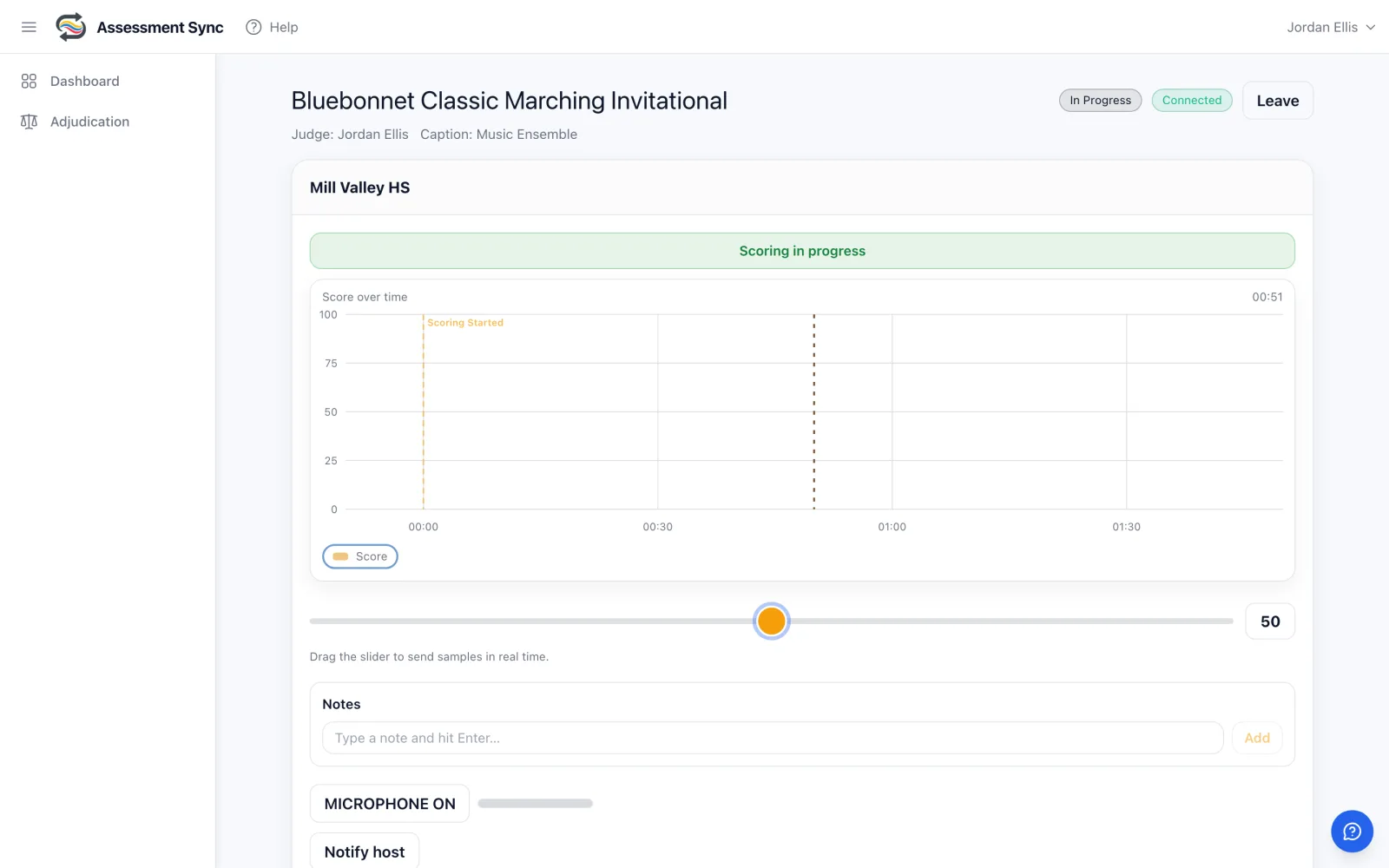
Every student's line on one graph
The patent-pending perception graph shows when each person's impression rose and fell. With a class scoring the same run, you see where they agreed, where one student heard something the others missed, and where the room split.
- Each person's line in its own color, with the average
- Spoken commentary plays in step with the video, person by person
- Typed notes pinned to the moment they were written
- One number at the end: the average, and each person's score under it
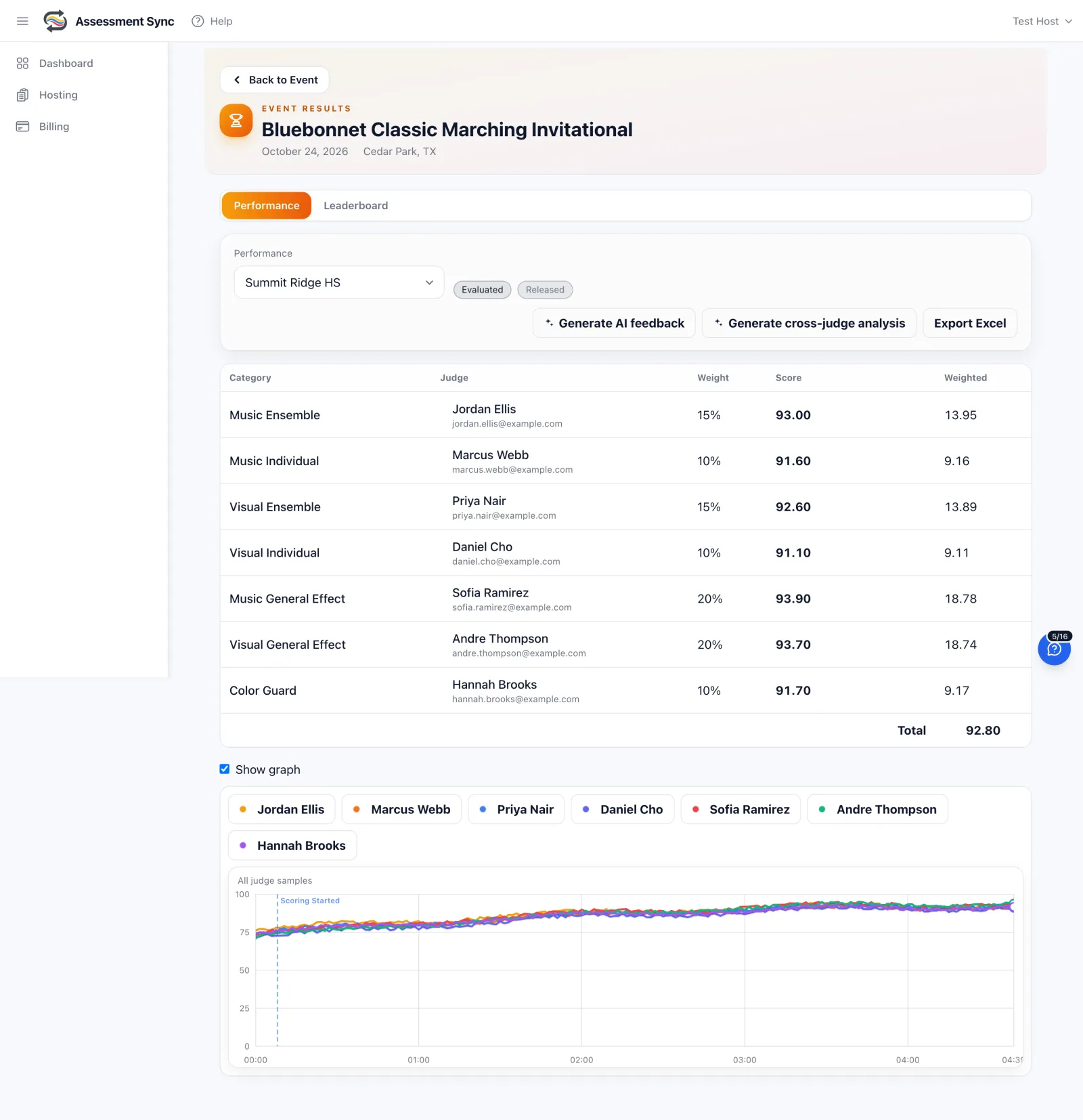
Students score each other, blind
Ask your members for their own video. They record or upload from the phone, and the class scores every submission without names. Auditions, chair placements, solo and ensemble prep, and the weekly run-through all work the same way.
- Members record or upload their own video from the phone
- Names hidden while scoring, shown to you and the performer afterwards
- Students join with a class code, no invitations to manage
- Judges' table format or one overall score, your choice per Review
Progress over the season
Every Review adds to the record. See a student's scores across the year, an ensemble's run-throughs side by side, and what the AI summaries kept saying. A plan keeps all of it in one home for your program, with the people who belong there.
- A home for your program: staff, students, ensembles
- Each student's own history, visible to them and to you
- AI summaries each month, written from what the scorers said
- Your staff see every result; students see their own
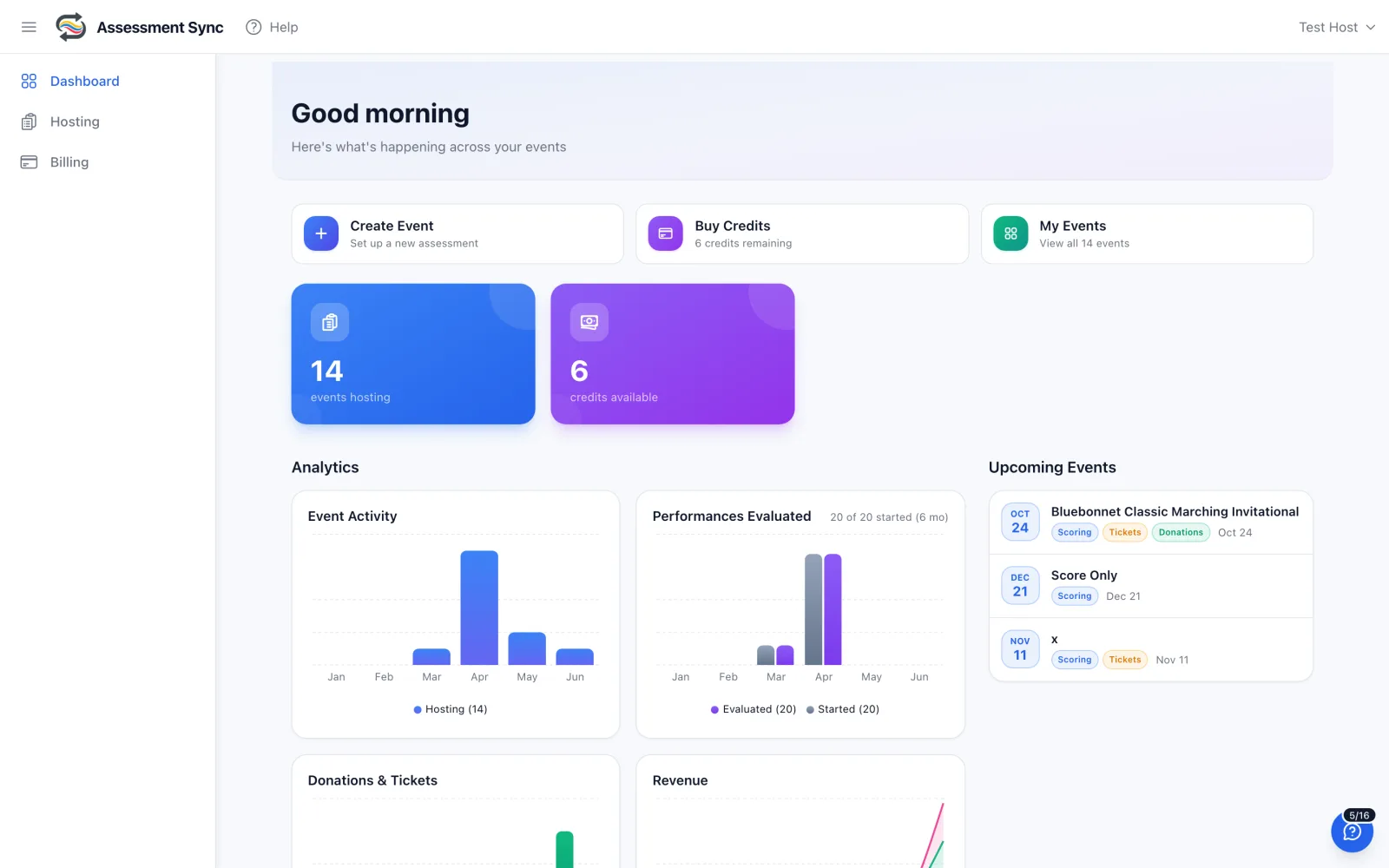
Events people run on Assessment Sync
The weekly run-through
Record Friday's run, open it over the weekend, and walk in Monday with the whole class's graph and commentary on one screen.
Auditions and chair placements
Students submit their excerpt from the phone. Staff and section leaders score blind. Results come with a graph, not just a number.
Solo and ensemble prep
A student's practice recording, scored by peers and a director, with spoken comments pinned to the measure.
Dance and guard studios
Film the piece, let the company score it, and hear every coach's notes in step with the video.
University methods classes
Future teachers learn to adjudicate by doing it: the same screen a festival judge uses, on video, with their instructor's line beside theirs.
A district or a department
Several directors, one home, one plan. Each school's Reviews and students stay under the same roof.
Common questions
What is a Review, and how is it different from a live Event?
A live Event is scored in the room as the performance happens. A Review is the same scoring, done from video on each person's own time by a due date. The slider, the perception graph, the spoken and typed commentary, the final score dialog and the results page are the same ones a festival judge uses.
Can my students score each other?
Yes. On a plan, everyone in your program can score a Review, and you can ask members for their own video so the class scores every submission blind. Names are hidden while scoring and shown to you and the performer afterwards.
What does it cost without a plan?
A Review without a plan uses 1 scoring credit per video and up to 3 people can score it. That is the right fit for a director and a couple of colleagues. When you want the whole class scoring, a plan makes Reviews unlimited.
What is in a plan?
Classroom is $49 a month: one director, up to 200 students, unlimited Reviews and 9 AI summaries a month. Department is $149: five staff seats, 750 students, 42 AI summaries a month and 25 live event credits. Program is $399: twenty staff seats, unlimited students, 167 AI summaries a month and 100 live credits. Annual plans are priced for a school year, about four months free. Live event credits for competitions you host are bought separately, as always.
Do students need to install anything?
No. Students score in a web browser on a laptop or a phone. They join your program with a class code you show them.
Can I score a Review the way a judges' panel would, with captions?
Yes. Each Review is scored either as one overall score from everyone, averaged, or as captions with judges, which is the live Event's own format: categories, captions, weights and one judge per caption. You pick when you create it.
Can I pay by check or purchase order?
Yes. Ask us and we will send an invoice. The plan starts the day the check is recorded.
Ready to run your next event?
Start free in minutes. No setup fee, no monthly subscription, no contract. You only pay when money moves: a flat 3% on tickets and donations, or per performance when you score.